Authentication API
miniSASS uses JSON Web Tokens (JWT) via Django REST Framework. You obtain a pair of tokens, send the access token with each request, and swap the refresh token for a new access token when it expires.
Base URL. https://minisass.org in production, http://localhost:61122 for a
local stack. All paths below are relative to it.
Trailing slashes matter
Every path here is written exactly as the server expects it. Django will not
match /authentication/api/login without the trailing slash. The one
exception is /authentication/api/contact-us, which genuinely has none.
Token lifetimes
| Token | Lifetime |
|---|---|
| Access | 60 minutes |
| Refresh | 1 day |
Your client should refresh before the access token expires rather than waiting for
a 401.
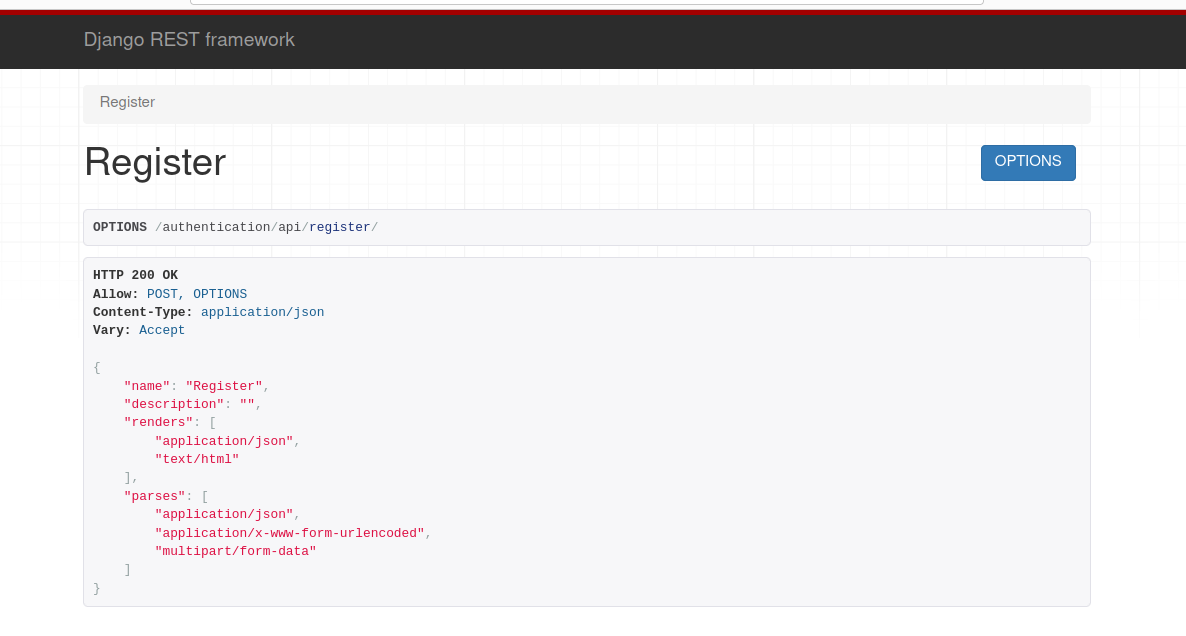
Register
POST /authentication/api/register/
{
  "name": "Jane",
  "surname": "Citizen",
  "email": "jane.citizen@example.org",
  "password": "a-strong-passphrase",
  "organizationName": "Example School",
  "organizationType": "NGO",
  "country": "ZA",
  "agree": true
}
| Field | Required | Notes |
|---|---|---|
name |
yes | Stored as the user's first name |
surname |
yes | Stored as the user's last name |
email |
yes | Must be unique. Also becomes the username |
password |
yes | |
organizationName |
yes | |
organizationType |
yes | Must match an existing lookup, for example NGO |
country |
yes | ISO 3166-1 alpha-2 code such as ZA, not a country name |
agree |
yes | Privacy policy consent |
The username is the email address
There is no separate username. The account's username is set to the email
address, so that is what you send to /authentication/api/token/.
Responses
| Status | Meaning |
|---|---|
201 |
Account created |
400 |
{"error": "This email is already registered."} or field validation errors |
New accounts are inactive until the emailed activation link is followed. See Activation for what that changes.
Log in
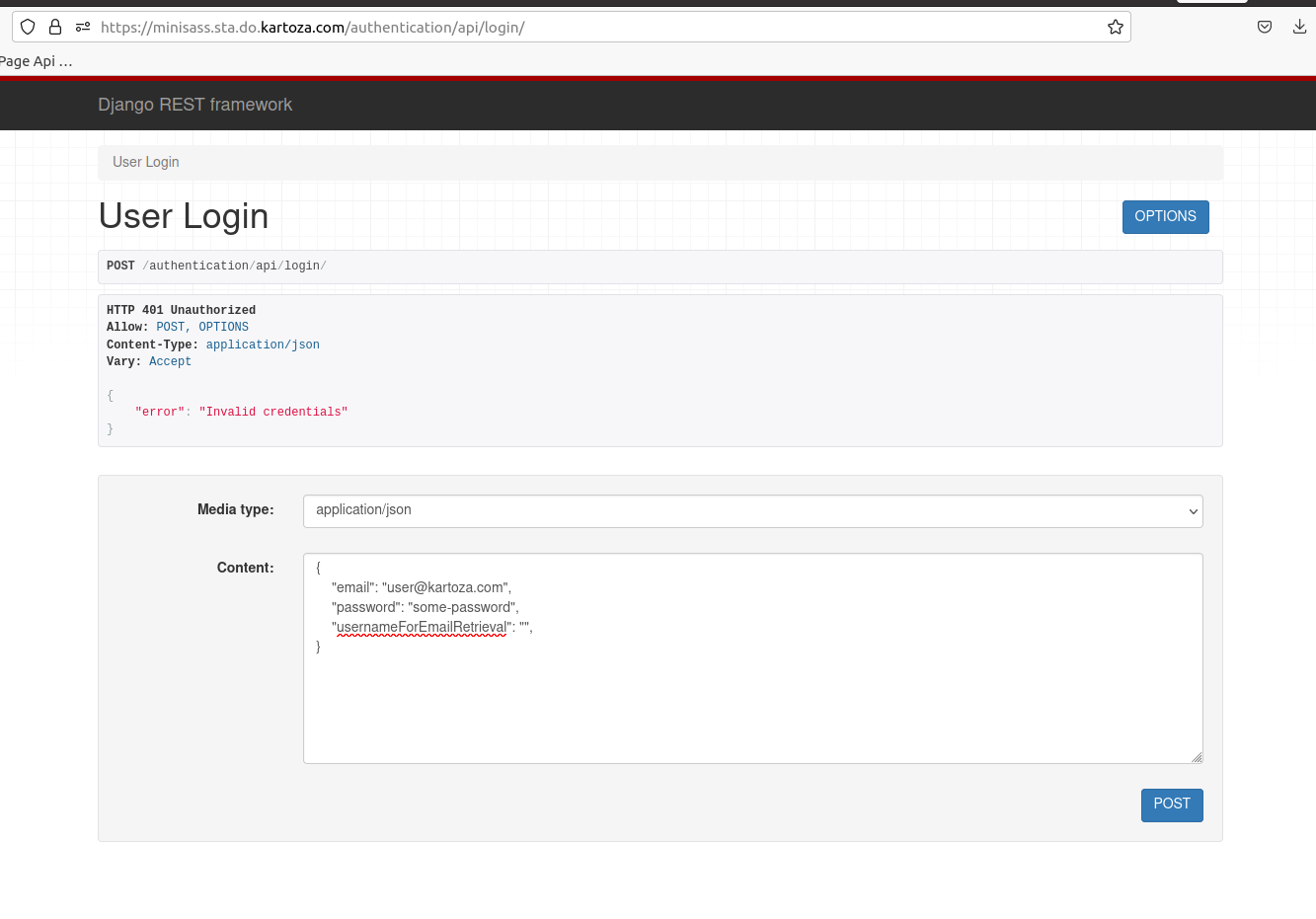
POST /authentication/api/login/
Accepts application/json, application/x-www-form-urlencoded or
multipart/form-data.
| Status | Meaning |
|---|---|
200 |
Logged in |
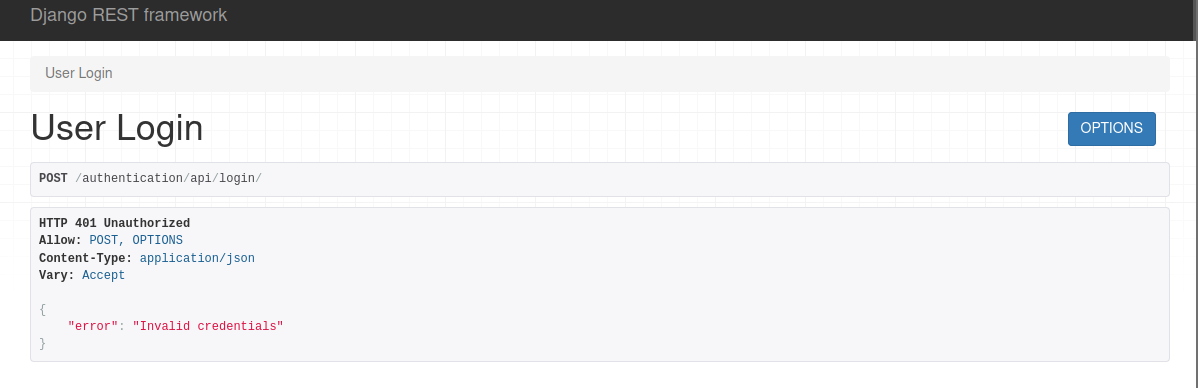
401 |
Invalid credentials, or the account has not been activated |
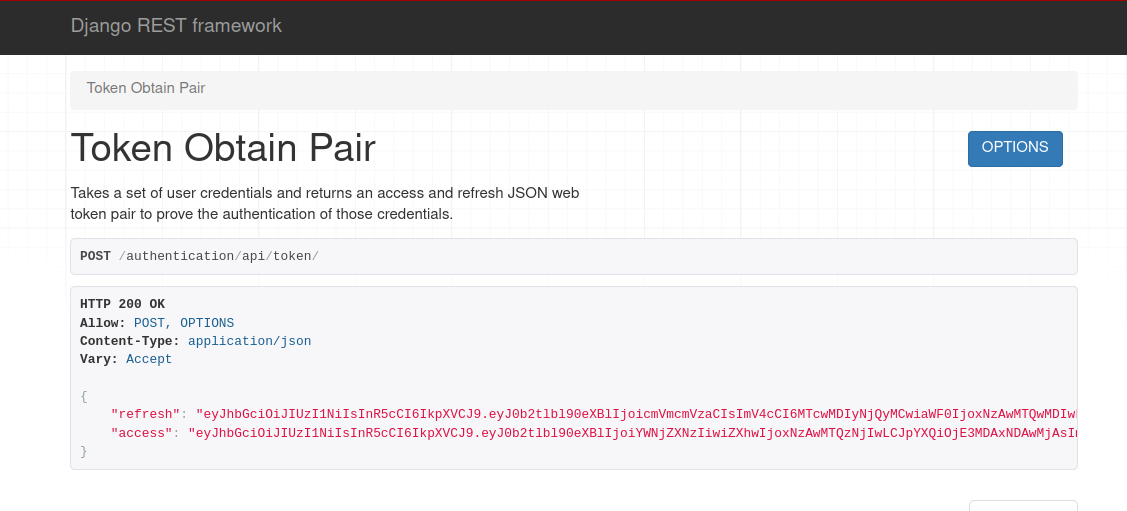
Obtain a token pair
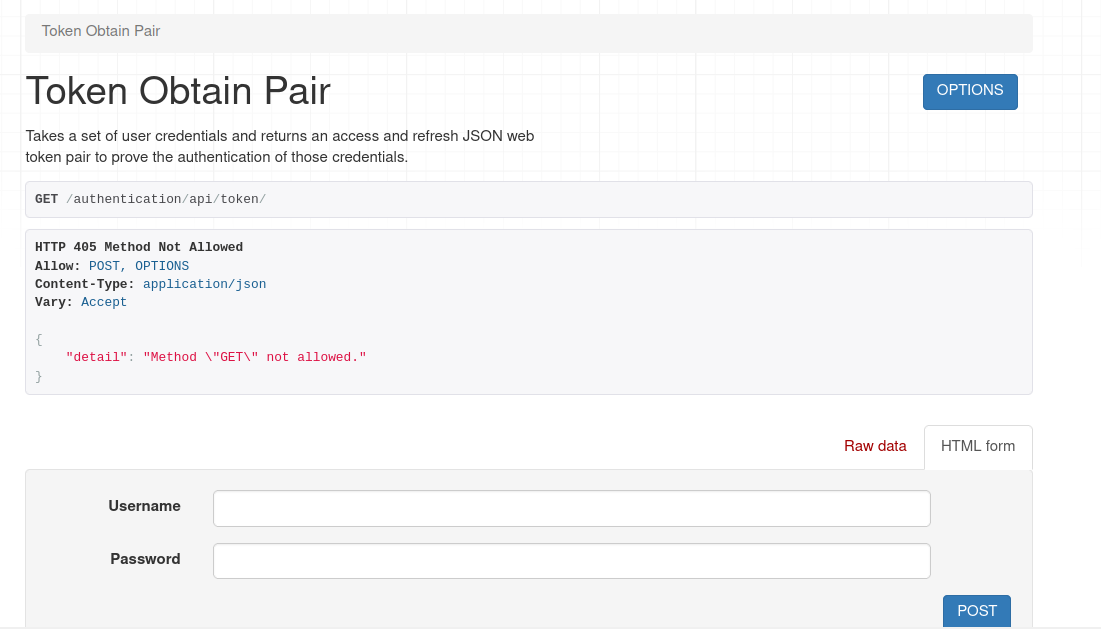
POST /authentication/api/token/
Note the field is username, and its value is the email address.
Response 200
Requires an activated account
Returns 401 for an account that has not yet followed its activation link.
/authentication/api/login/ behaves the same way, so if either returns 401
for credentials you believe are correct, check activation first with
/authentication/api/check-registration-status/<email>/.
Refresh a token
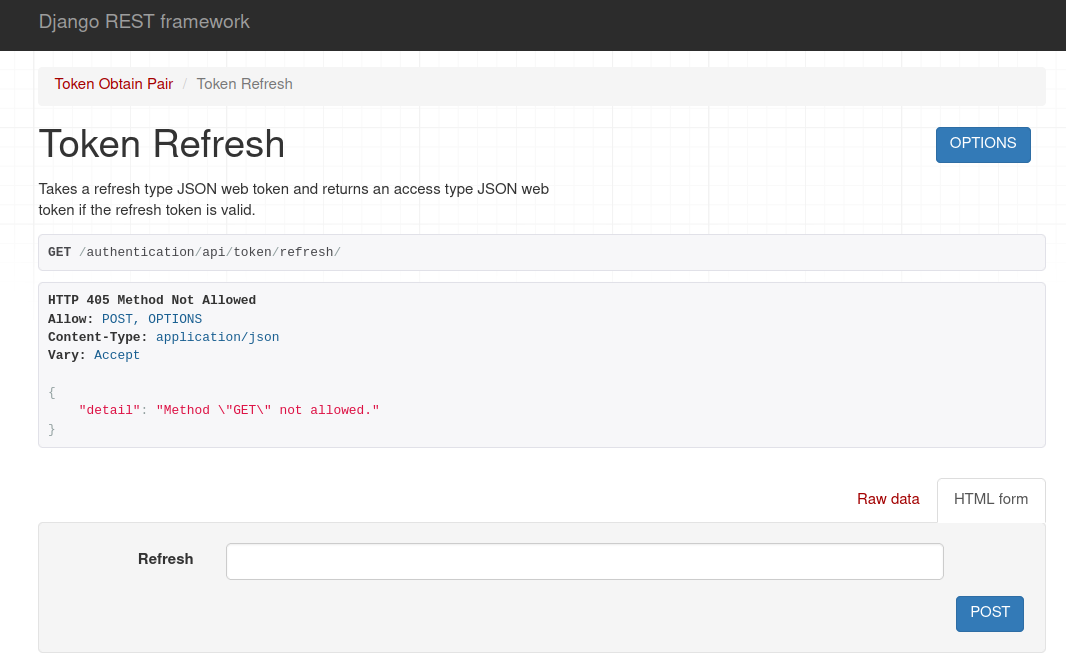
POST /authentication/api/token/refresh/
Response 200
Using the access token
Send it as a bearer token on every authenticated request:
Check authentication status
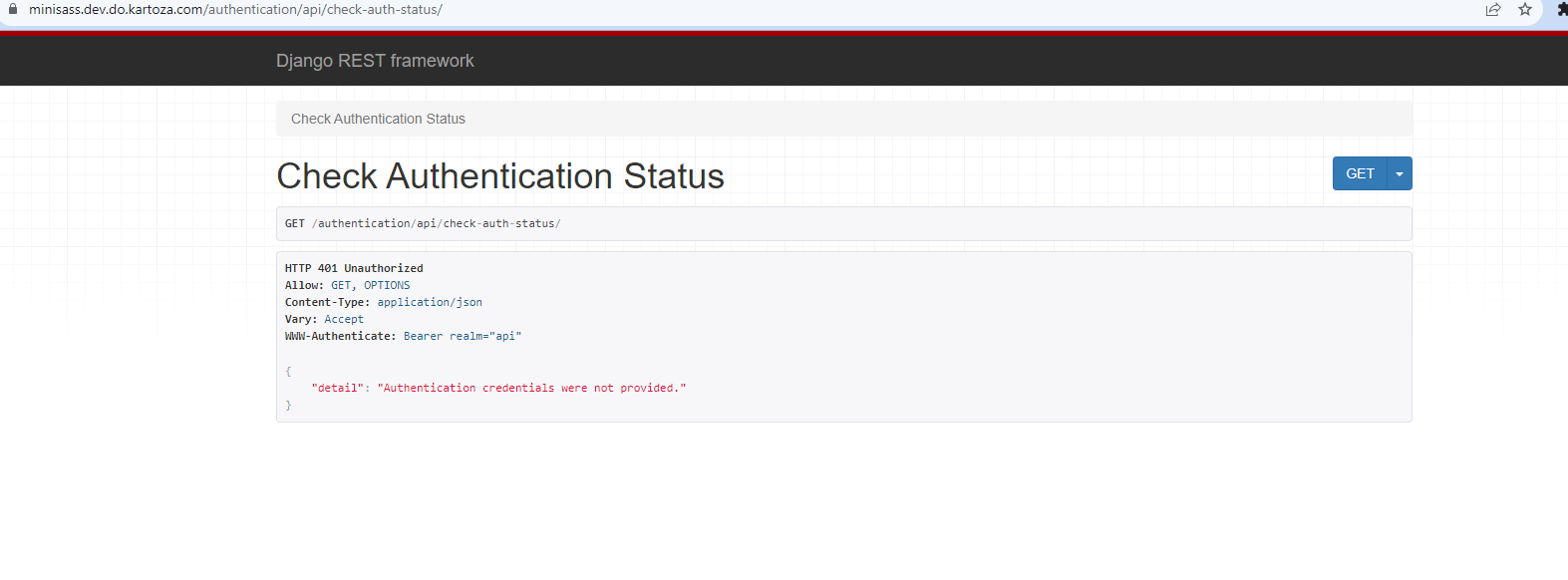
GET /authentication/api/check-auth-status/
Requires authentication. Returns the current user and login state.
{
  "is_authenticated": true,
  "username": "jane.citizen@example.org",
  "email": "jane.citizen@example.org",
  "is_admin": false,
  "is_agreed_to_privacy_policy": true
}
Returns 401 when not authenticated.
Log out
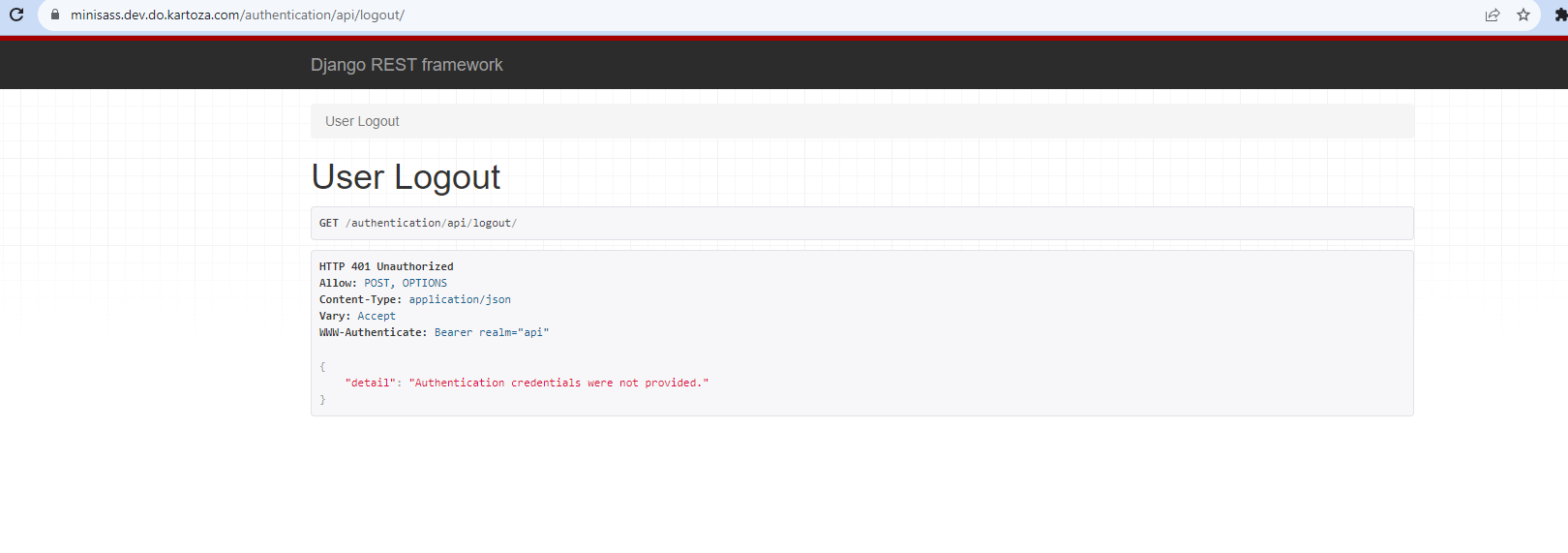
POST /authentication/api/logout/
Requires authentication. Any frontend action that logs a user out should call this so the session is ended server-side as well.
Activation
GET /authentication/api/activate/<uidb64>/<token>/
The target of the link in the activation email. Following it marks the account
active and redirects with activation_complete=true.
To check whether an account has been activated:
GET /authentication/api/check-registration-status/<email>/
Password reset
1. Request a reset email
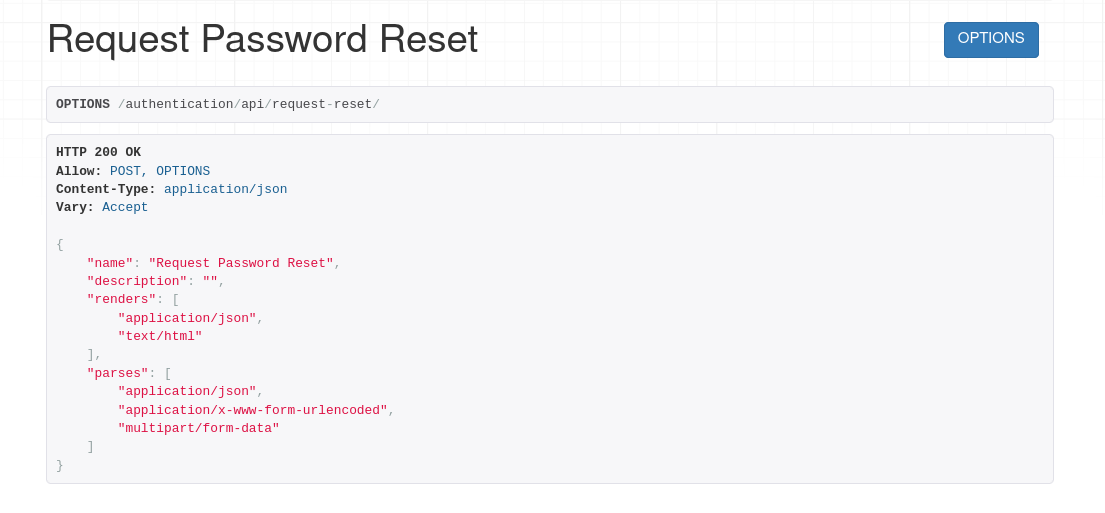
POST /authentication/api/request-reset/
| Status | Meaning |
|---|---|
200 |
Reset email sent |
404 |
No account with that email |
400 |
More than one account shares that email |
2. Set the new password
POST /authentication/api/update-password-reset/<uid>/<token>/
| Status | Meaning |
|---|---|
200 |
Password updated |
400 |
The password has been used by this account before |
Contact and support requests
POST /authentication/api/contact-us
Public, no authentication required. Note this path has no trailing slash.
{
  "name": "Jane Citizen",
  "email": "jane.citizen@example.org",
  "phone": "+27 82 000 0000",
  "message": "The map will not load my observation for site 42."
}
email and message are required; a submission missing either returns 400.
The resulting email is sent to the support team with Reply-To set to the
submitter, so replying reaches the person who raised the request.
Summary
Register, activate, then obtain a token pair and send the access token as a bearer
token. Refresh before it expires. If login succeeds but token issuance returns
401, check activation first.